 SecOps Observer
The agent with too much access
A simulated agent can see a dummy token and has unnecessary container privileges. Tighten its sandbox without breaking its task.
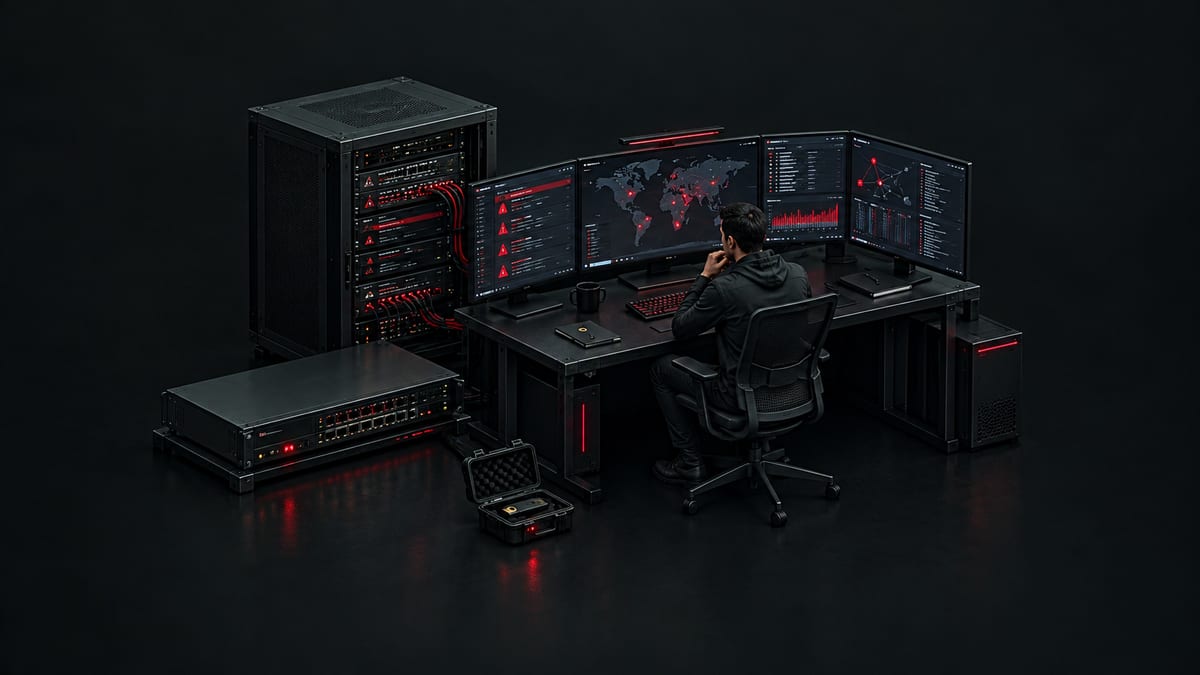
The scenario
A local agent simulation reads a synthetic project and produces a report, but its sandbox grants more access than it needs. Correct the policy while preserving the task and scratch space.
Mission objectives
- Inspect the simulated agent's access report.
- Remove unnecessary identity, filesystem, capability and environment access.
- Verify the task still works with a read-only project and writable scratch space.
Lab README
The agent with too much access
A simulated agent reads a synthetic project and writes a report. Its task works,
but the access report reveals a dummy token and unnecessary container
privileges. Adjust policy.json so the task still works with less access.
Before you begin
Use Docker, Python 3 and Bash on a disposable machine. The lab uses a fixed dummy token, not a credential. Never put real secrets or real project files in this exercise.
Every container is disposable, has no network or published ports, receives only the lab's read-only synthetic project, and uses temporary scratch space. Docker may download the Python image. The initial policy intentionally runs as root with a writable container root filesystem; it does not mount the host home, Docker socket or real credentials. Containers share the host kernel and are not equivalent to virtual machines.
The probe simulates a task; it is not an AI agent and does not test prompt injection, external APIs, credential brokers or production isolation.
Investigate
./setup.sh
./lab.sh
Inspect the JSON report and policy.json. Change the policy, not the probe or
the synthetic project. Keep the project readable and scratch writable.
./verify.sh
./teardown.sh
The lab leaves no persistent container, volume or generated files. Teardown does not delete the shared Docker image or reset the policy; re-extract the bundle to start over.
Get the lab
Download and inspect the installer before running it. It checks the archive's SHA-256 digest and refuses to overwrite an existing lab directory.
curl -fsSLO https://devops.download/labs/secops-02-agent-sandbox.sh less secops-02-agent-sandbox.sh
bash secops-02-agent-sandbox.sh
cd labs/secops-02-agent-sandbox
./setup.shWhen you've made your changes, run ./verify.sh. Remove lab resources with ./teardown.sh.
Need a nudge?
Hint #1
Compare the access report with the configurable sandbox policy.
Hint #2
Keep the project read-only and scratch writable while removing the dummy token and unnecessary privileges.
Hint #3 · Related guide on opsbreakfix.com
Solved it?
Explore the related guide on opsbreakfix.com.
Continue to opsbreakfix.com ↗